LESCO Bill Print Online – Print or Save Your Duplicate Bill
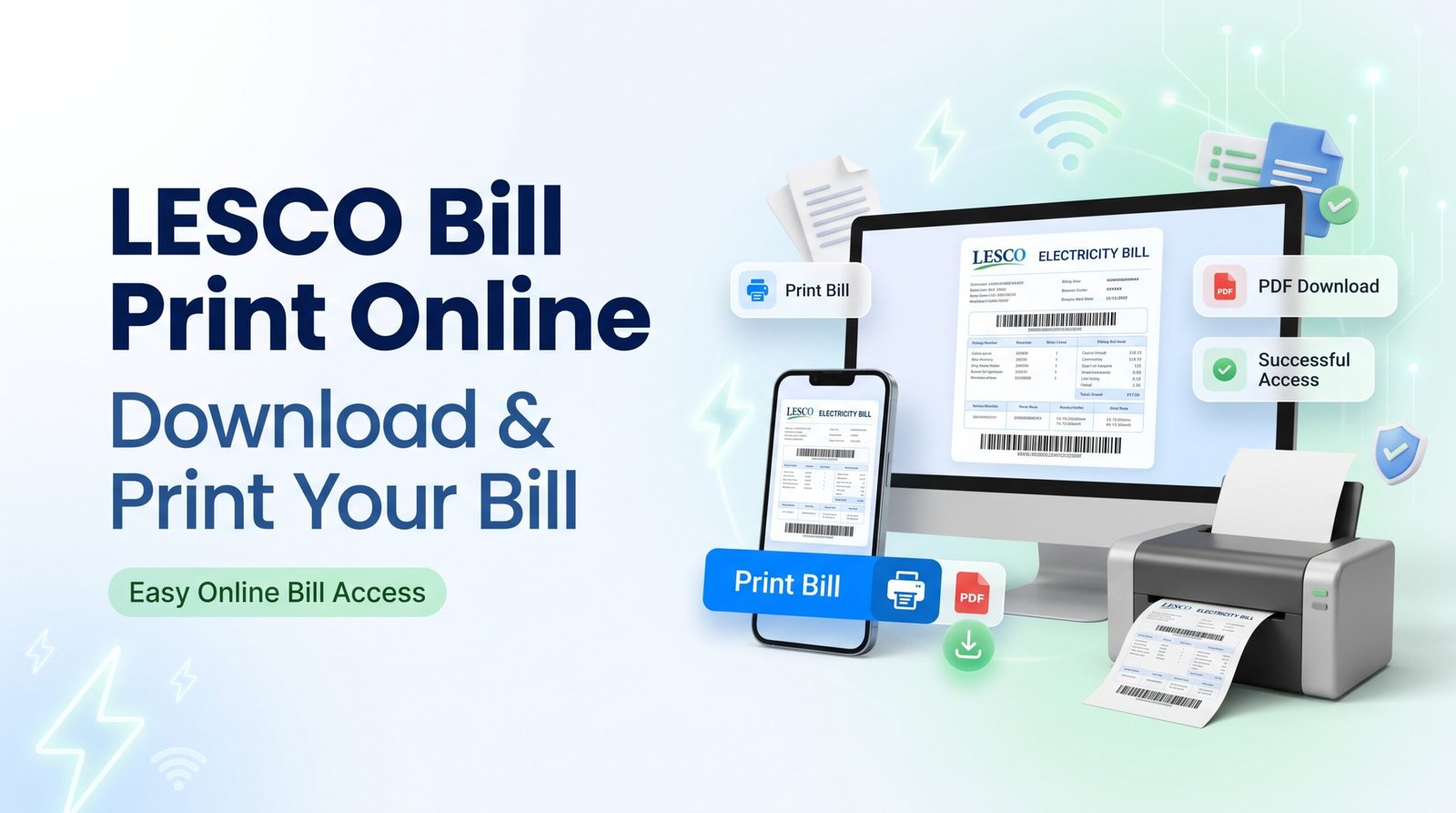
Need a printed copy of your LESCO electricity bill? You can retrieve your available bill online and print it at home, at an office or at a nearby printing shop. If you do not have a printer, save the bill as a PDF on your mobile phone or computer and print it later.
Visit LESCO Online Bill Open Official LESCO Bill ViewHow to Print Your LESCO Bill Online
Follow these steps to retrieve and print a duplicate copy of your electricity bill. The exact buttons may vary depending on the bill portal and the browser you use.
Step 1: Open the LESCO Bill Website
Visit LESCOOnlineBill.pk for related bill information, or open the official LESCO bill-view page.
Step 2: Enter Your Bill Details
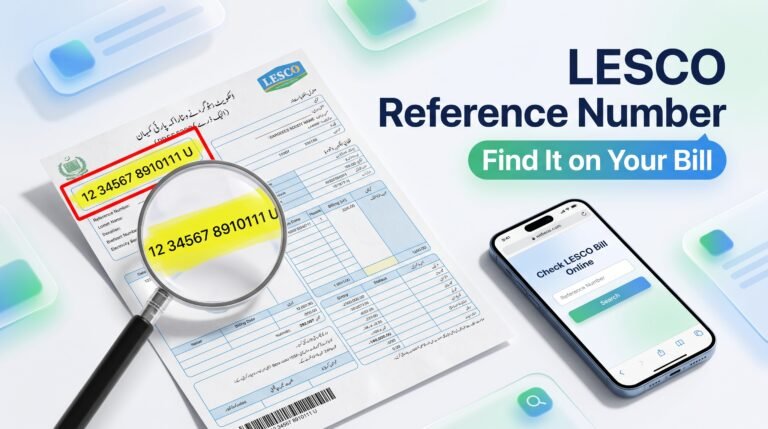
Find the lookup form and enter the reference number or customer ID requested by that service. Copy the number from a previous electricity bill and check it carefully before submitting.
Step 3: Open Your Available Bill
Submit the form and follow the on-screen instructions. If the bill record is available, the service should display or open the bill details for you to review.
Step 4: Select Print
If the bill page has a Print button, select it. Otherwise, use the browser’s print command. On Windows, you can usually press Ctrl + P. On a Mac, use Command + P.
Step 5: Choose a Printer or Save as PDF
In the print dialog, select your connected printer if you want a physical copy. If you only need a digital copy, choose Save as PDF or the equivalent option available in your browser.
Step 6: Check the Printed Copy
Make sure the bill is readable and the reference number, billing information, payable amount and due date are visible. Keep the duplicate copy for your records.
How to Download or Save a LESCO Bill as PDF
Saving your LESCO electricity bill as a PDF lets you keep a copy on your device, print it later or share it privately when needed.
- Retrieve your bill using the supported bill-view service.
- Open the bill and select its download option if one is provided.
- If there is no download button, open the browser’s print dialog.
- Choose Save as PDF as the destination.
- Select a folder, give the file a clear name and save it.
- Open the saved PDF to confirm that the bill is readable.
If the bill appears as an image or a separate web page, the browser’s print dialog may still let you save it as a PDF. The exact result depends on the website and device.
How to Print a LESCO Bill from Your Mobile Phone
You can use an Android phone or iPhone to retrieve your available bill and prepare a printable copy. You do not always need to install a separate application.
What If You Do Not Have a Printer?
Save the bill as a PDF and transfer it to a trusted printing shop or another device connected to a printer. Check the file before printing to ensure that the entire bill is included.
What Do You Need to Print Your LESCO Bill?
To retrieve the bill, you generally need the account identifier accepted by the bill-view service. A previous electricity bill is useful because it contains the relevant account information.
- Reference number: Use it if the bill form asks for a reference number.
- Customer ID: Enter it only if the service supports that identifier.
- Internet access: A working connection is needed to retrieve the online bill.
- Printer or PDF option: Use a printer for a paper copy or Save as PDF for a digital copy.
You can also visit LESCOOnlineBill.pk to explore related bill-checking information.
Common LESCO Bill Printing Problems and Solutions
| Problem | What to try |
|---|---|
| Bill does not open | Check the identifier, correct any typing mistakes and try the official bill-view page again. |
| No print button appears | Use the browser’s Print command or keyboard shortcut. |
| PDF is not downloading | Use the print dialog and select Save as PDF if available. |
| Bill is cut off on paper | Check paper size, orientation, scale and print preview before printing again. |
| Text is too small | Adjust the print scale and margins while checking that the complete bill remains visible. |
| Printer is offline | Check the printer connection, paper supply and printer status, or save a PDF to print elsewhere. |
| Bill details appear incorrect | Verify the account identifier and compare the result with your latest bill. Contact LESCO if needed. |
Why Does My LESCO Bill Show No Record Found?
The account number may have been entered incorrectly, the form may require a different identifier, or the service may temporarily be unavailable. Verify your details and retry through the official LESCO bill-view service.
Can You Pay Your LESCO Bill After Printing It?
Yes. Once you have checked your bill and confirmed the payable amount, you can use a payment channel supported by your bank or another authorized provider. Options may include mobile banking, internet banking and other supported utility bill payment services.
- Review the payable amount and due date on your bill.
- Open your bank’s official payment service.
- Select the appropriate electricity biller and enter the requested identifier.
- Verify the displayed bill details before confirming.
- Save the transaction receipt after successful payment.
Printing a bill does not itself count as payment. Keep your bank receipt or other payment confirmation separately.
Visit LESCO Online BillFrequently Asked Questions
1. How can I print my LESCO bill online?
Open a supported bill-view service, enter the requested account identifier and retrieve your bill. Select Print or use your browser’s print command to print the bill.
2. Can I save my LESCO bill as a PDF?
Yes. Use the bill’s download option if available, or open the browser’s print dialog and select Save as PDF.
3. Can I print a LESCO bill from my mobile?
Yes. Open the bill on your phone and use the browser’s print or share options. You can save a PDF and print it later if needed.
4. What number is required to print a LESCO bill?
Use the reference number or customer ID accepted by the bill-view service. Always follow the exact field label shown on the form.
5. Can I print a duplicate LESCO bill if the paper copy is lost?
You can retrieve an available bill online and print a duplicate copy using the supported bill-view service.
6. Is it possible to print a LESCO bill without a printer?
Yes. Save the bill as a PDF and take the file to a printing shop or another device with a printer.
7. Why is my LESCO bill not printing correctly?
Check the print preview, paper size, orientation, scale and margins. If the bill is still incomplete, try another browser or save the bill as a PDF first.
8. Where can I check my LESCO bill online?
Visit LESCOOnlineBill.pk or open the official LESCO bill-view page to check the available lookup options.
Print Your LESCO Bill Online Today
Getting a duplicate LESCO bill is convenient when you need a paper copy or want to keep a digital record. Retrieve the bill through a supported service, review the details and use Print or Save as PDF. Always protect your account information and confirm payment separately.
Explore LESCO Bill Services Official LESCO Bill ViewDisclaimer: This is an independent informational guide and is not an official LESCO publication. Bill availability and website features may change. Use official services to verify your bill details.