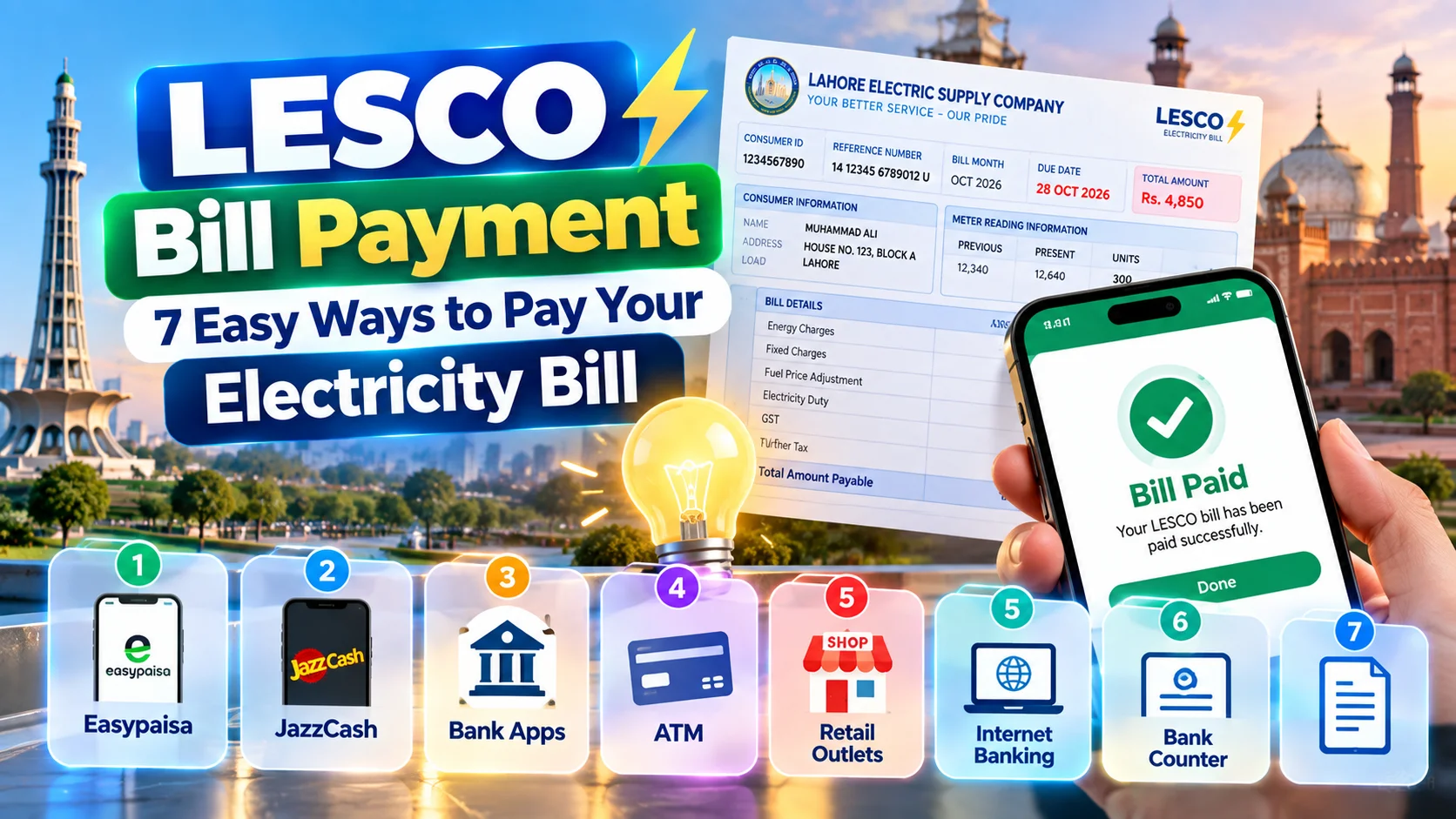
LESCO Bill Payment: 7 Easy Ways to Pay Your Electricity Bill
In This Guide
1. LESCO bill payment basics 2. What you need before paying 3. How to pay your LESCO bill online 4. Offline payment options 5. Payment methods compared 6. Due dates and late payment surcharge 7. Payment problems and fixes 8. FAQsLESCO Bill Payment: What Every Consumer Should Know
LESCO stands for Lahore Electric Supply Company, one of Pakistan’s distribution companies under the Power Division. It supplies electricity to Lahore, Kasur, Okara, Sheikhupura and Nankana Sahib, and sends each consumer a monthly bill based on meter readings.
Years ago, paying meant standing in a long bank queue with a paper slip. Today most people pay from their phone. Bank apps, mobile wallets, ATMs and the 1Bill network all accept electricity payments, and many take only a minute.
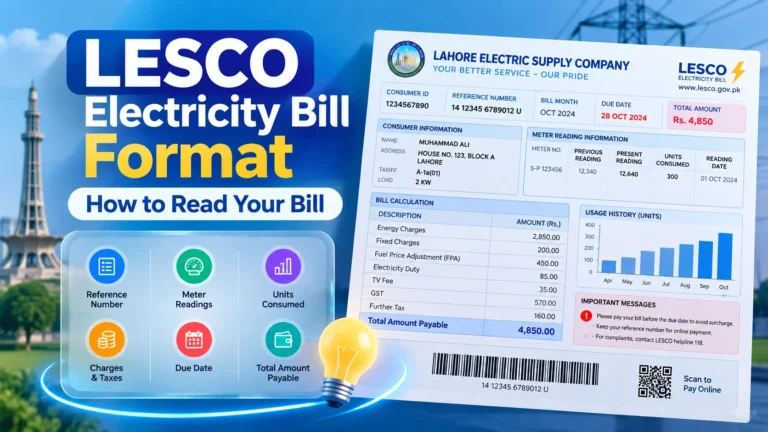
The rules are the same whichever channel you choose. Every bill has a reference number, a due date and two amounts: one payable by the due date and a higher one after it.
Key terms on your bill
- Reference number: your 14-digit identifier for payments and status checks.
- Units consumed: electricity used in kilowatt-hours (kWh) during the billing month.
- Due date: the last day to pay without a surcharge.
- Late payment surcharge (LPS): the extra amount added when payment is late.
- Arrears: unpaid balance carried over from earlier bills.
What You Need Before You Pay
Keep these ready and the process becomes smooth:
- Your 14-digit reference number, taken from a paper bill or an online duplicate.
- The exact amount due, including any arrears.
- A working banking app, wallet or ATM card.
- A way to save the receipt, such as a screenshot.
No paper bill? Use a duplicate copy first. Our LESCO duplicate bill page lets you search by reference number and view the current amount before you pay.
How to Pay Your LESCO Bill Online, Step by Step
Method 1: Mobile banking app
Banks such as HBL, UBL, MCB, Allied Bank, Meezan Bank, Bank Alfalah and Faysal Bank list LESCO as a biller. The steps are almost identical everywhere.
- Log in to your banking app.
- Go to Bill Payment or Utility Bills.
- Select Electricity and choose LESCO.
- Enter your 14-digit reference number.
- Check the name, month and amount shown.
- Confirm with your PIN or OTP, then save the receipt.
Method 2: JazzCash and Easypaisa
Mobile wallets are popular for people without a bank app. Open the wallet, tap Bill Payment, pick Electricity and then LESCO. Enter the reference number, confirm the amount and approve with your wallet PIN. Wallet agents can also pay on your behalf for cash.
Method 3: Internet banking and 1Bill
Net banking follows the same flow as the app. Through the 1Bill (1LINK) system, you can also use the 1Bill number printed on many bills in participating banks and apps.
Method 4: ATM
Many bank ATMs offer a Bill Payment menu. Insert your card, select utility bills, choose LESCO, enter the reference number and confirm. Keep the printed slip.
Offline LESCO Bill Payment Options
Not everyone prefers digital payments, and offline channels still work well.
- Bank branches: take your paper bill to a collection branch and keep the stamped slip.
- Post offices: some post offices accept utility payments in their areas.
- Retail and agent shops: wallet and 1Bill agents will pay for a small cash handling fee.
- LESCO collection centres: certain offices accept bills directly. Check with your sub-division.
Offline payments sometimes take a little longer to appear in the system, so pay a few days before the due date.
Which LESCO Bill Payment Method Is Best?
| Method | Speed | Typical cost | Best for |
|---|---|---|---|
| Bank mobile app | 1–2 minutes | Usually free | Account holders |
| JazzCash / Easypaisa | 1–2 minutes | Free or small fee | Wallet users |
| Internet banking | 2–3 minutes | Usually free | Desktop users |
| ATM | 3–5 minutes | Usually free | Quick cash-free payment |
| Bank branch | 15–60 minutes | Free | Cash payers |
| Agent shop | 5–10 minutes | Small agent fee | No bank or wallet |
Fees and limits differ by provider and can change, so read the confirmation screen before paying. Once you have paid, learn how to check whether your LESCO bill is paid or not.
LESCO Bill Due Date and Late Payment Surcharge
Your due date is printed clearly on the bill, usually about ten days after it is issued. Pay on or before that date and you only owe the regular amount.
After the due date, a late payment surcharge is added and the “payable after due date” amount applies. If bills stay unpaid for several months, LESCO may issue a disconnection notice.
Practical advice
- Pay two or three days before the due date, especially near weekends and holidays.
- Set a phone reminder every month.
- Pay the full amount including arrears to avoid repeat notices.
- If your bill looks unusually high, check the meter reading with our LESCO bill calculator before paying.
High bill or financial difficulty?
If a bill is very large, you can apply at your sub-division office to ask whether instalments are available. Approval depends on LESCO policy, so bring your CNIC and latest bill.
Common LESCO Bill Payment Problems and Fixes
| Problem | Likely cause | What to do |
|---|---|---|
| Bill not found | Wrong reference number | Re-check each digit on the paper bill |
| Paid but shows unpaid | Sync delay | Wait 48 hours, then call 118 |
| Amount does not match | Arrears or surcharge | Open the full duplicate bill |
| Transaction failed, money deducted | Network or biller error | Contact your bank with the transaction ID |
| Paid wrong account | Typing mistake | Contact bank and LESCO immediately |
Expert insight
In practice, most payment complaints come from typing mistakes and from paying before reading the amount. Slowing down for ten seconds on the confirmation screen avoids almost all of them. Keep receipts for at least six months, because they are your strongest evidence in any dispute.
If you need to verify a past payment, our guide on LESCO bill status check explains each step. For unresolved cases, call the LESCO helpline at 118 or visit your sub-division.
Key Takeaways
- Use your 14-digit reference number for every LESCO bill payment.
- Online options include bank apps, JazzCash, Easypaisa, net banking, 1Bill and ATMs.
- Pay before the due date to avoid the late payment surcharge.
- Always confirm name, month and amount before approving.
- Save receipts and verify the status after one to two working days.
- Never share OTPs or PINs.
Frequently Asked Questions About LESCO Bill Payment
How can I pay my LESCO bill online?
Use a banking app, JazzCash or Easypaisa. Choose bill payment, select LESCO, enter your reference number, confirm the amount and pay.
What is the last date to pay a LESCO bill?
The due date is printed on your bill. Paying later adds a surcharge.
Can I pay without a reference number?
Not directly. Find it on an old bill or search with your customer ID or meter number first.
Is there an extra fee for online payment?
Many bank apps are free, but some wallets and agents charge a small fee. Check the confirmation screen.
How do I know my payment was successful?
Check your receipt right away, then verify the status on a bill checking page after one to two working days.
Can I pay someone else’s LESCO bill?
Yes. You only need their reference number, which is helpful for family members, tenants or shops.
About the Author
Written by the LESCO Online Bill editorial team. We have spent years explaining electricity bills, duplicate copies and payment channels to consumers across Punjab. Information here is based on LESCO, the Power Division and NEPRA publications, plus the policies of banks and wallet providers. Procedures can change, so confirm important details with LESCO directly.
Conclusion
LESCO bill payment is quick once you know the steps: find your reference number, check the amount, pay through a trusted channel and keep the receipt. Do that every month, and surcharges and last-minute stress become a thing of the past.
Check and Pay Your LESCO Bill