Electricity Bill Guide · Pakistan
LESCO Duplicate Bill Online: Check and Download Your Bill
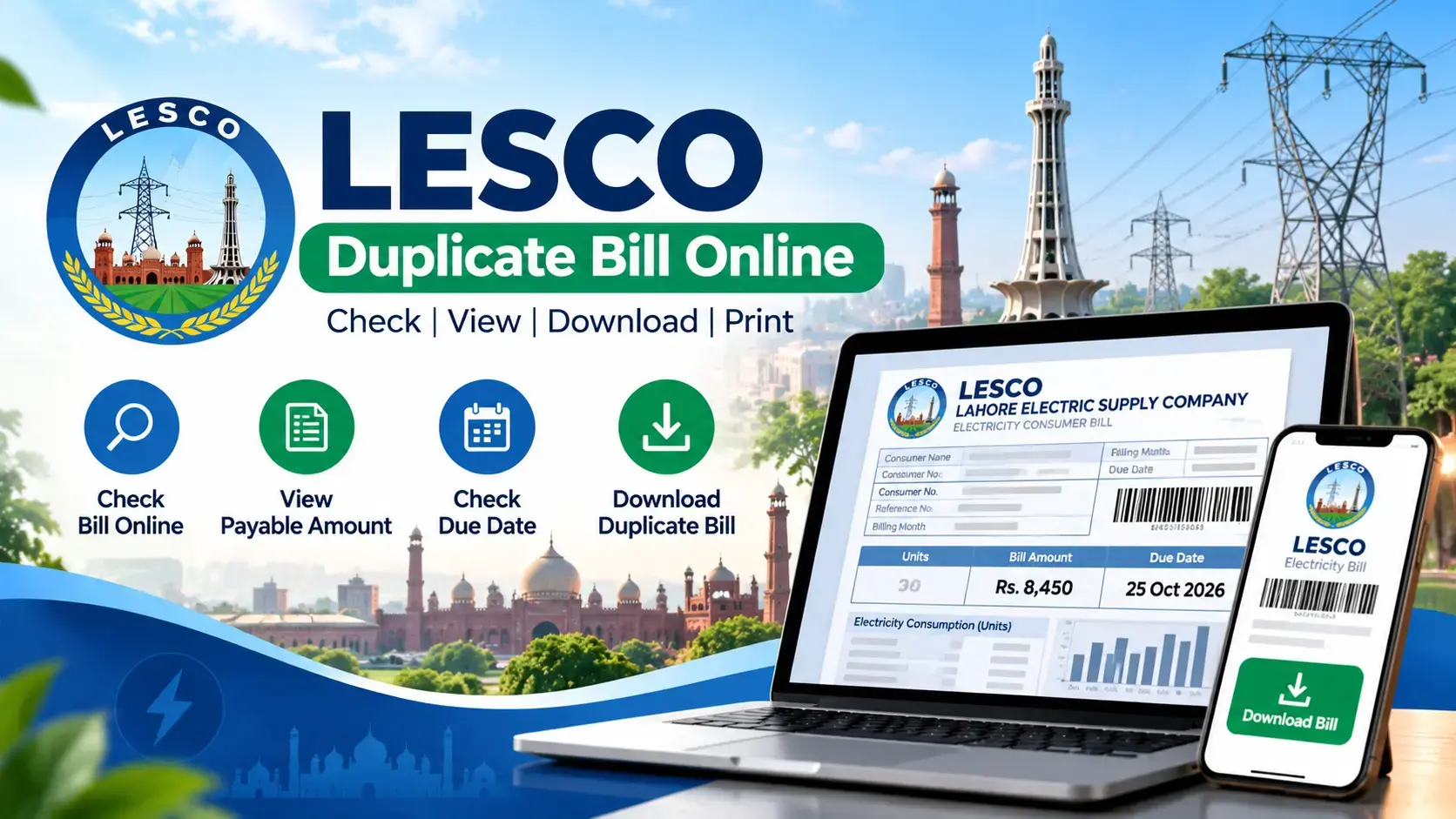
Need another copy of your electricity bill? A LESCO duplicate bill lets you view your billing details and print or save a copy when your original bill is missing, delayed, or damaged. You can check your bill online using the reference number or customer ID printed on a previous bill.
LESCO stands for Lahore Electric Supply Company. It distributes electricity across its designated service areas in Punjab, Pakistan. Its electricity bills contain important information, including the consumer account, meter readings, billed units, charges, taxes, and payment deadline.
This guide explains how to check a LESCO bill online, obtain a duplicate copy, understand the information displayed, and resolve common problems when a bill does not appear.
What Is a LESCO Duplicate Bill?
A LESCO duplicate bill is an additional copy of an electricity bill that allows a consumer to review the amount due and keep a record of the charges. It is useful when the printed bill has not arrived, has been misplaced, or needs to be printed again.
A duplicate copy is generally intended for reference and payment purposes. It does not automatically change the original bill, extend the due date, or cancel any outstanding balance.
Who May Need a Duplicate Electricity Bill?
- Households that have not received their monthly electricity bill.
- Tenants who need to confirm the electricity charges for their property.
- Property owners who want to review or retain monthly billing records.
- Consumers who need to check a payable amount before visiting a bank or using a digital payment service.
- People who want to verify their billed units and payment deadline.
How to Check Your LESCO Bill Online
Checking your LESCO bill online is straightforward when you have the correct reference number or customer ID. These details help identify the relevant electricity connection and retrieve the associated bill information.
- Open the bill-checking website.
Visit lescoonlinebill.pk and locate the LESCO bill-checking form. - Find your reference number or customer ID.
Use an older electricity bill to locate the required identifier. Enter it carefully, following the format requested by the form. - Submit your information.
Click the check-bill or submit button and wait for the available billing details to load. - Review your electricity bill.
Check the consumer information, billing month, payable amount, due date, and any additional charges shown. - Print or save a copy.
If the bill is displayed, use the browser’s print function. Select a printer or choose Save as PDF to keep a digital copy.
Where Can You Find Your LESCO Reference Number?
Your reference number is a billing identifier associated with your electricity connection. It is commonly printed in a prominent section near the top of a LESCO electricity bill. The customer ID is another identifier that may be accepted by a bill-checking service.
If you no longer have a printed bill, check an older saved bill PDF or an account record from your electricity provider. You can also contact LESCO through its official customer-service channels to ask how to retrieve your connection details.
Tip: Do not confuse the reference number with your meter number, bill amount, or payment transaction ID. Enter the exact identifier requested by the bill-checking form.
What Information Appears on a LESCO Bill?
Understanding the main sections of an electricity bill makes it easier to confirm the amount due and identify possible billing errors.
| Bill detail | What it means |
|---|---|
| Reference number | An identifier used to retrieve the electricity connection’s billing information. |
| Consumer name and address | Details associated with the registered electricity connection. |
| Billing month | The month or billing period covered by the bill. |
| Meter readings | Previous and current readings used to calculate electricity consumption, where applicable. |
| Units consumed | The electricity consumption measured in kilowatt-hours (kWh). |
| Current charges | Charges associated with the current billing period and applicable adjustments. |
| Taxes and other charges | Applicable taxes, duties, surcharges, and other listed billing components. |
| Due date | The deadline for paying the amount without the applicable late-payment consequences. |
| Payable amount | The amount shown as payable by the specified date, subject to the bill’s terms. |
Always read the actual bill rather than relying on a previous month’s amount. Electricity consumption, applicable tariffs, adjustments, and taxes may change from one billing period to another.
How to Download or Print a LESCO Duplicate Bill
Once your bill appears on the screen, you may be able to download it directly or print it through your browser. The available options depend on how the bill-checking page displays the document.
Save Your Bill as a PDF
- Open the bill details or printable bill page.
- Press Ctrl + P on Windows or select Print from your browser menu.
- Choose Save as PDF as the destination.
- Check the page preview to make sure the bill is readable.
- Save the PDF to your device.
On a mobile phone, open the browser menu and look for Print or Share, depending on your device. If the page does not offer a printable bill, try the provider’s official billing service instead.
How to Pay Your LESCO Bill After Checking It
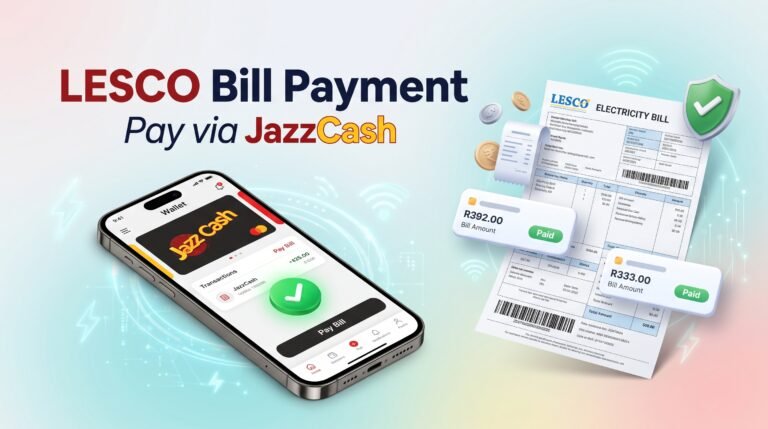
After checking your duplicate bill, you can use a payment method supported by your bank or electricity provider. Depending on current availability, options may include mobile banking, internet banking, banking apps, authorized payment agents, or designated bank branches.
- Confirm the reference number and amount payable.
- Check the due date and any applicable late-payment amount.
- Open your bank’s bill-payment service or visit an authorized payment location.
- Select the appropriate electricity provider and enter the requested billing identifier.
- Verify the displayed consumer information and amount before confirming payment.
- Save the transaction receipt or confirmation for your records.
Payment methods and processing times can vary. A bill copy is not proof of payment; retain the payment confirmation until the transaction is reflected in the relevant account records.
LESCO Bill Online: Common Problems and Solutions
Sometimes a bill-checking page fails to display the expected information. The cause may be an incorrect identifier, delayed billing data, a technical issue, or a problem with the service’s data source.
| Problem | What to do |
|---|---|
| Bill not found | Recheck the reference number or customer ID and try again. |
| New bill not available | Try again later and check the official provider’s billing service. |
| Page keeps loading | Refresh the page, check your internet connection, or try another browser. |
| Bill will not print | Use the browser print menu and select Save as PDF or another available printer. |
| Amount seems incorrect | Compare the meter readings and listed charges, then contact LESCO if the discrepancy remains. |
| Payment not reflected | Keep the receipt, allow for processing time, and contact the payment provider or LESCO if necessary. |
How to Check Whether Your LESCO Bill Has Been Paid
To verify a payment, start with the receipt or transaction confirmation from your bank, wallet, or authorized payment provider. Check the transaction status, reference number, payment date, and amount. Then consult the available billing record or contact LESCO if the outstanding balance does not appear to have updated.
A newly generated bill may not immediately reflect a recent transaction. Keep your payment confirmation until the provider’s records show the correct status. If the payment failed or was reversed, follow up with the payment provider before attempting another transaction.
Official LESCO Resources and Helpful Links
For billing disputes, incorrect meter readings, connection information, or questions about payment records, official provider channels are the appropriate place to seek clarification.
- Official LESCO website — check available company information and customer-service resources.
- National Electric Power Regulatory Authority (NEPRA) — consult the electricity regulator for applicable regulations and consumer-related information.
- Check LESCO Bill Online — return to the bill-checking page to access the available online service.
Use official channels to confirm current procedures, tariff-related questions, complaint requirements, and payment disputes. The information displayed by a third-party bill-checking website should be verified against the provider’s records whenever accuracy is in doubt.
Frequently Asked Questions About LESCO Duplicate Bills
1. How can I check my LESCO duplicate bill online?
Open a LESCO bill-checking website, enter the requested reference number or customer ID, and submit the form. Review the displayed billing details and use the print option to save a copy if available.
2. Can I check my LESCO bill without a reference number?
You may be able to use your customer ID if the service supports it. Otherwise, consult an older bill or contact LESCO through its official channels to recover the required connection information.
3. Is checking a LESCO duplicate bill online free?
Viewing a bill through a free bill-checking service may not require payment. However, check the website’s terms and avoid services that request unnecessary fees or sensitive financial information merely to display bill details.
4. Can I download my LESCO bill on my mobile phone?
Yes, if the bill is available in a printable format. Open it in your mobile browser, use the Print or Share menu, and save it as a PDF when your device offers that option.
5. Why is my latest LESCO bill not showing online?
The bill may not yet be available in the data source, or the reference number may have been entered incorrectly. Try again later and check the official LESCO service if the problem continues.
6. Can I pay my electricity bill using a duplicate copy?
A duplicate copy can help you identify the bill and its payment details. Payment acceptance depends on the bank or payment provider, so verify the reference number and amount in the payment service before confirming the transaction.
7. Does a duplicate bill have a new due date?
No. Obtaining another copy does not automatically extend the original payment deadline. Check the due date and any late-payment conditions shown on the actual bill.
8. What should I do if my LESCO bill amount is wrong?
Compare the meter readings, units consumed, previous balance, and listed charges. If you identify a possible error, retain a copy of the bill and raise the issue through LESCO’s official complaint or customer-service process.
9. Is an online bill copy proof of payment?
No. A duplicate bill shows billing information, not necessarily a completed payment. Keep your bank receipt or digital transaction confirmation as evidence that you submitted the payment.
10. What is the difference between a LESCO reference number and a customer ID?
A reference number is a billing identifier used to retrieve an electricity connection’s bill. A customer ID is another account-related identifier. They serve different purposes and should not be treated as interchangeable unless the service explicitly accepts both.
Conclusion
Checking a LESCO duplicate bill online helps you review your electricity charges, confirm the due date, and keep a digital or printed copy when the original bill is unavailable. Use the correct reference number or customer ID, verify the displayed information, and save your payment receipt after paying.
For missing bills, disputed charges, or payment issues, consult the official LESCO service to confirm your account information and resolve the problem through the appropriate channel.
Ready to check your bill? Visit LESCO Online Bill and follow the available instructions to retrieve your billing details.

3 Comments