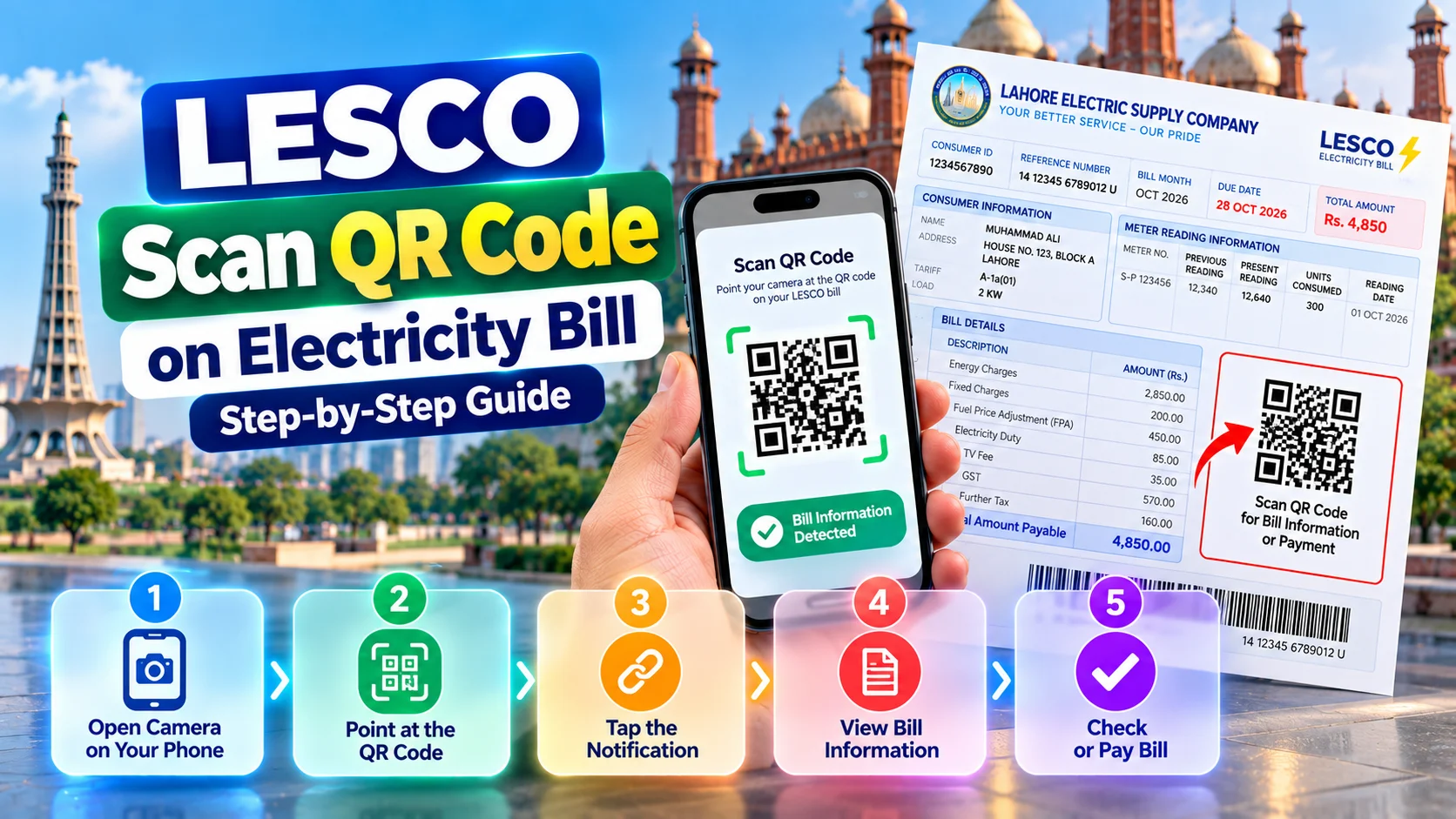
LESCO to Scan QR Code on Electricity Bill: How to Use the LESCO Scan Code
Learn how to scan the QR code on a LESCO electricity bill, understand what the LESCO scan code does, and safely check billing or payment-related information using your smartphone.
How to Scan the QR Code on a LESCO Electricity Bill
The QR code is different from your LESCO reference number. A QR code is a machine-readable graphic, while the reference number is the identifier commonly used to retrieve billing information online.
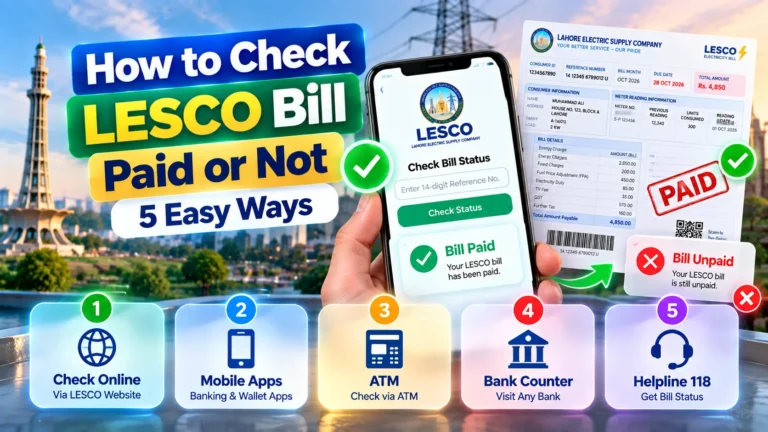
If your main goal is simply to check your latest bill, you can use our LESCO bill checker instead.
What Is the LESCO Scan Code on an Electricity Bill?
The LESCO scan code usually refers to a QR code printed on an electricity bill. QR stands for Quick Response. It is a two-dimensional machine-readable code that smartphones can recognize.
QR Code vs Reference Number
A QR code can be scanned with a compatible smartphone, while the LESCO reference number is normally entered manually when checking billing information online.
The exact information associated with a QR code depends on the system that generated it. It may open a webpage, provide billing-related information or connect with a supported payment or information service.
Where Is the QR Code on a LESCO Bill?
The exact position can vary according to the bill format and printing system. Look through the bill for a square-shaped machine-readable graphic, often located around the payment, barcode or lower information section.
How to Scan the LESCO QR Code
Most modern smartphones can scan QR codes directly through the camera or a built-in QR scanner.
- Open the Camera app on your smartphone.
- Place your LESCO electricity bill on a flat surface.
- Point the camera toward the QR code.
- Keep the complete QR code inside the camera frame.
- Wait for the QR notification or link to appear.
- Review the destination or information before opening it.
- Continue only when the information matches your expected LESCO billing activity.
How to Scan a LESCO QR Code From a PDF
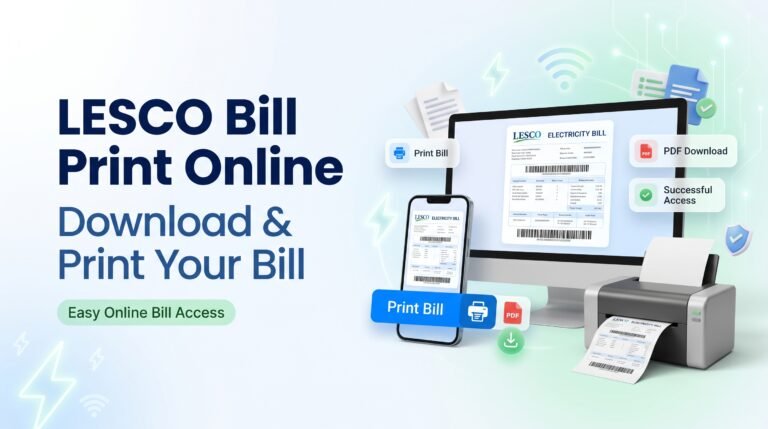
If you have a digital copy of your electricity bill, you may be able to scan the QR code without printing the bill.
- Save the LESCO bill PDF or image on your phone.
- Open it using your gallery, PDF viewer or supported document application.
- Use a built-in QR or image-scanning feature if available.
- Select the detected QR code.
- Check the resulting information before continuing.
What Happens After You Scan the LESCO QR Code?
Scanning a QR code does not automatically mean that your electricity bill has been paid. The result depends on the information encoded in the QR code.
LESCO Scan Code vs Reference Number
| Feature | QR Code | Reference Number |
|---|---|---|
| Format | Square machine-readable code | Numeric billing identifier |
| How it is used | Scanned with a compatible device | Entered into a bill-checking system |
| Requires camera | Usually yes for physical bills | No |
| Manual entry | Not normally practical | Yes |
| Main purpose | Depends on encoded information | Identifies the electricity connection |
| Bill checking | May assist depending on the code | Commonly used for online lookup |
If you need to locate your reference number, see our LESCO reference number guide .
Can You Pay a LESCO Bill by Scanning the QR Code?
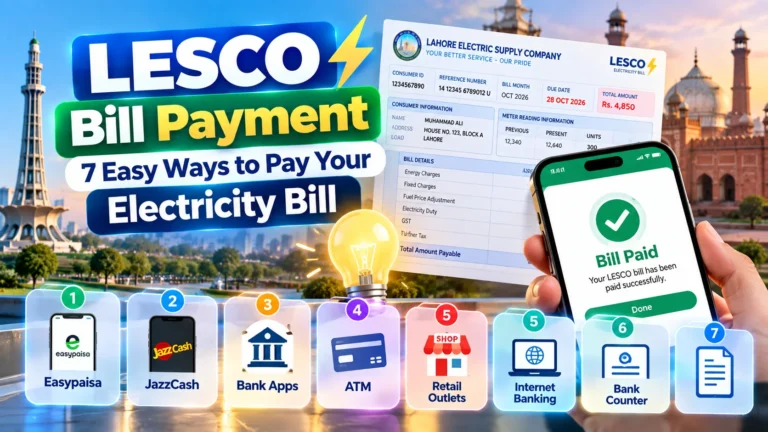
If scanning opens a payment page, carefully check the account information, bill amount and payment destination before completing the transaction.
- Scan the QR code.
- Check the website or payment service name.
- Verify the electricity account information.
- Confirm the payable amount.
- Complete payment only when everything matches.
- Save the payment receipt.
For other available payment options, visit our LESCO bill payment guide .
How to Check Your LESCO Bill Without Scanning the QR Code
You do not need the QR code to check your electricity bill. If you have the reference number, you can use an online bill-checking service instead.
- Find your LESCO reference number.
- Open the LESCO bill checking page .
- Enter the required reference information.
- Submit the bill search.
- Review the available billing month, amount and due date.
Why Is My LESCO QR Code Not Scanning?
A QR code may fail to scan because of a damaged bill, poor lighting, camera focus, glare or a low-quality digital copy.
If the QR code still does not work, use your LESCO reference number to check the bill instead.
Is It Safe to Scan a LESCO Bill QR Code?
The important safety consideration is not only the QR code itself, but also the destination it opens. Treat an unfamiliar QR result like an unfamiliar web link.
- Check the website address before entering information.
- Confirm that the bill details match your account.
- Never share your banking PIN.
- Never provide an OTP to an unknown person.
- Do not install unfamiliar apps requested by a QR code.
- Avoid entering card details on suspicious pages.
- Use a trusted bill-checking or payment channel if anything looks unusual.
What If the QR Code Opens the Wrong Page?
Do not continue automatically if the QR result looks unrelated to your electricity bill.
- Check the website address.
- Confirm the service name.
- Check whether your billing information matches.
- Verify the payment amount.
- Do not provide unnecessary sensitive information.
For billing problems, visit our LESCO complaint guide .
Frequently Asked Questions About LESCO Scan Code
What is the LESCO scan code?
The LESCO scan code generally refers to a QR code printed on a LESCO electricity bill. It is a machine-readable code that can provide information or direct a user to a digital destination, depending on how it was generated.
How do I scan a LESCO QR code?
Open your smartphone camera, point it at the QR code and wait for the notification. Review the destination before opening it or entering any personal or payment information.
Can I scan my LESCO bill with my phone?
Yes. Most modern smartphones can scan QR codes using the camera or a built-in QR-scanning feature.
Can I pay my LESCO bill using the QR code?
Do not assume that every QR code is a payment code. If the scan opens a payment service, verify the account, amount and destination before completing the transaction.
What should I do if the LESCO QR code does not work?
Try better lighting, clean the camera lens, hold the phone at a suitable distance and use a clearer bill copy. If it still does not work, use your reference number to check the bill.
Is the QR code the same as the LESCO reference number?
No. A QR code is a machine-readable graphic, while the reference number is an identifier associated with the electricity connection and billing record.
Can I check my LESCO bill without scanning the QR code?
Yes. You can use the reference number through an appropriate online bill-checking service instead of scanning the QR code.
Is it safe to scan a QR code from an electricity bill?
Scanning is not automatically dangerous, but you should inspect the destination before entering personal, banking or payment information. Never share sensitive authentication information such as an OTP or PIN.
Key Takeaways
Check Your LESCO Bill Online
Don’t have a working QR code? Use your LESCO reference number to check your available billing information online.
Check LESCO Bill →Conclusion
The LESCO to scan QR code on electricity bill process is simple when your phone can recognize the printed QR code. Open your camera, scan the code and carefully review the result before taking any action.
Remember that scanning a QR code does not automatically confirm that a bill has been paid. If the code does not work, your LESCO reference number provides a practical alternative for checking available billing information online.
For more electricity bill help, visit our LESCO Bill FAQs .