LESCO Bill Not Showing Online: Causes and Solutions
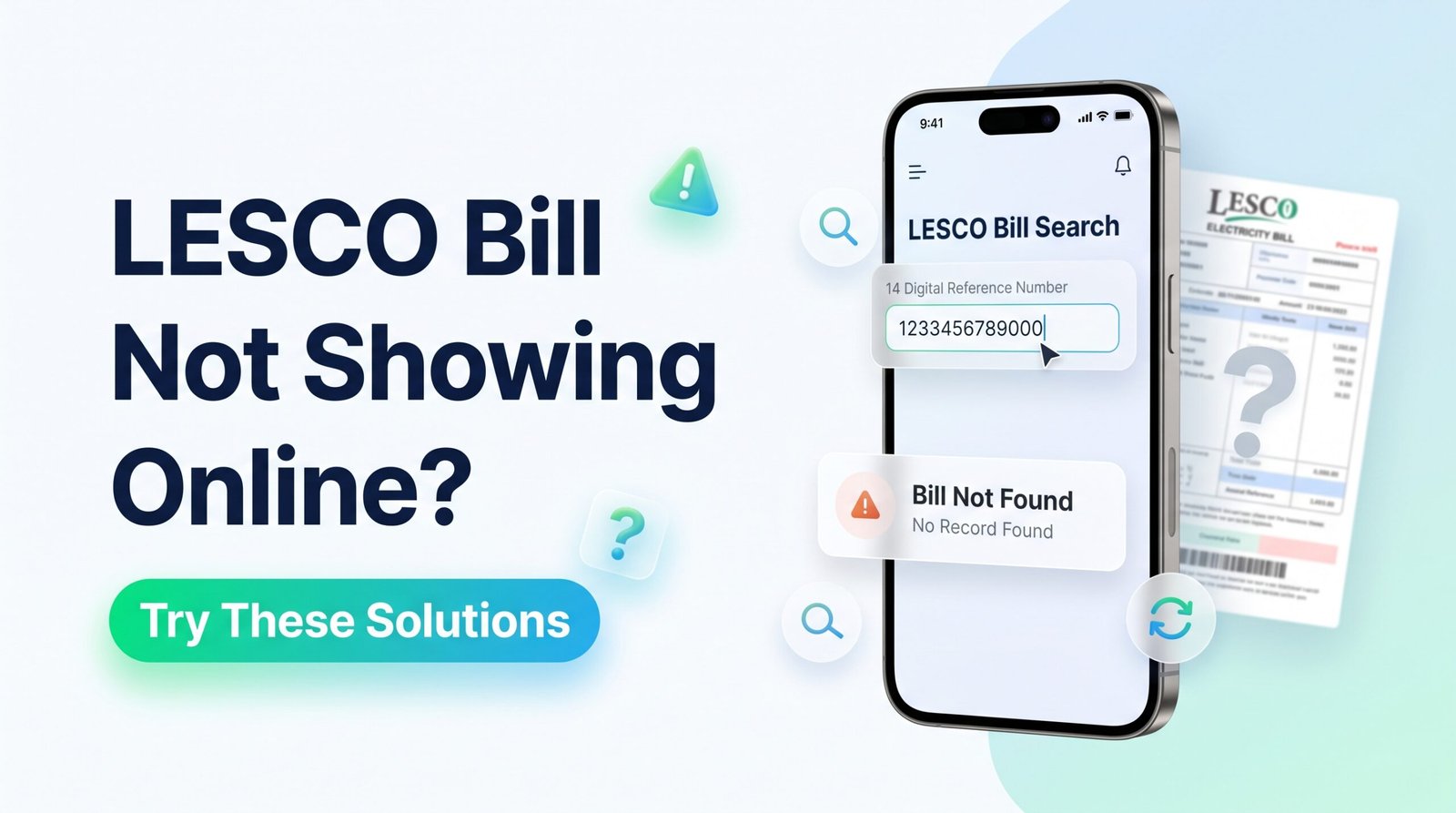
Are you trying to check your LESCO electricity bill, but the bill is not showing online? This problem can occur for several reasons, including an incorrect reference number, a newly generated bill that is not yet available, or a temporary issue with the bill-checking service.
Before worrying about your electricity connection, check the details you entered and try the practical solutions in this guide. You may be able to retrieve your bill without waiting for a paper copy.
Why Is My LESCO Bill Not Showing Online?
Your electricity bill may not appear online for different reasons. Understanding the possible cause helps you choose the right solution.
A missing digit, typing error, or incorrect identifier may prevent the service from finding your bill.
The newest billing record may not have appeared in the online system yet.
The bill service or your internet connection may be experiencing a temporary problem.
You may have entered a meter number or another account field instead of the requested reference number.
How to Fix LESCO Bill Not Showing Online
Try these steps in order to identify and resolve the problem.
1Check your reference number
Compare the number you entered with the Reference No. printed on a previous LESCO bill. Check every digit and remove spaces or punctuation if the lookup form requires digits only.
2Use the correct identifier
Do not confuse your reference number with your meter number or Customer ID. Enter the exact identifier requested by the bill-checking form.
3Try the official LESCO service
Open the official LESCO website and look for its available bill-checking service.
4Try again later
If you are checking a newly expected bill, the latest record may not be available yet. Try again later rather than assuming that your connection has a problem.
5Check your internet and browser
Refresh the page, check your internet connection, or try another browser. If you are using a phone, you can also try opening the page in a private browser tab.
6Contact LESCO if the problem continues
If the bill remains unavailable after you have checked the details and tried again, contact LESCO through its official support channels.
How to Check Your LESCO Bill Online
Once you have the correct account details, follow these general steps to check whether your bill is available.
- Visit LESCO Online Bill.
- Locate the bill lookup field.
- Enter your reference number or another identifier if the service supports it.
- Submit the information and wait for the result.
- If the bill appears, review the billing period, payable amount, and due date.
- Use the available print option or save the bill as a PDF if supported.
If your bill still does not appear, use the troubleshooting steps above before contacting customer support.
What If You Do Not Have Your LESCO Reference Number?
If you have lost your previous bill, you may still be able to recover the details needed to look up your electricity bill.
Check an old bill or saved PDF
The reference number is usually printed in the account information section of a previous bill. Check your phone gallery, downloads folder, email, or printed records.
Review your payment receipt
If you previously paid through a bank app, JazzCash, or Easypaisa, check your transaction history or saved receipt. It may include the reference number or other bill details.
Ask the account holder
If the connection belongs to a landlord or family member, ask them for a copy of an earlier bill or the correct account details.
Contact LESCO
If you cannot recover the number, contact LESCO through its official support channels or visit the relevant customer service office with the connection information you have.
Read our related guide: LESCO Reference Number Location.
Can I Download a Duplicate LESCO Bill?
If your bill is available through an online lookup service, you may be able to view and save a duplicate copy. A digital bill is useful when your printed bill has not arrived or you need another copy for your records.
- Open the bill lookup service.
- Enter the correct reference number or supported account identifier.
- Open the bill if it is available.
- Select the print option, or use your browser’s print menu.
- Choose “Save as PDF” if that option is available.
For more instructions, see LESCO Bill Print Online.
What to Do If Your Bill Is Not Available Near the Due Date
If the due date is approaching and your bill is still not showing online, do not assume that the payment deadline has changed.
- Double-check the reference number and other entered details.
- Try the official LESCO website to see whether the bill is available there.
- Keep a record of any previous bill and payment receipts.
- Contact LESCO for clarification if the current bill remains unavailable.
- Before paying through an app or other channel, verify the account details and amount.
If you make a payment, keep the confirmation receipt and verify that the transaction was successful.
Common LESCO Bill Checking Problems
“Invalid Reference Number” message
Check for missing digits and confirm that you have not entered the meter number or Customer ID in the wrong field.
Blank page or loading error
Refresh the page, check your internet connection, and try another browser. A temporary service problem may also cause this issue.
Previous bill appears, but the latest bill does not
The latest billing record may not yet be available. Check again later and contact LESCO if it remains missing.
Bill details look incorrect
Confirm that the displayed account belongs to your connection. If the information appears wrong, do not make a payment until you have clarified the issue through an authorised service.
Frequently Asked Questions
1. Why is my LESCO bill not showing online?
Possible reasons include an incorrect reference number, a latest bill that is not yet available, or a temporary website or connection issue. Check your details and try again later.
2. How can I fix the LESCO bill not showing error?
Verify the reference number, use the correct lookup field, check your internet connection, try another browser, and retry later if the latest billing record is unavailable.
3. Can I check my LESCO bill without a reference number?
Some services may support Customer ID or another identifier. If the service requires a reference number, check a previous bill or payment receipt, or contact LESCO.
4. Why is my latest LESCO bill not available?
The latest billing record may not have appeared online yet. Try again later and contact LESCO if the bill remains unavailable.
5. Can I download a duplicate LESCO bill online?
If your bill is available through a supported online service, you may be able to open it, print it, or save it as a PDF.
6. What if my LESCO bill is not showing near the due date?
Check the official service and confirm the due date with LESCO if needed. Do not assume that a missing online bill changes your payment deadline.
7. Is the reference number the same as the meter number?
No. The reference number is used for bill lookup, while the meter number identifies the physical electricity meter. Use the identifier requested by the form.
8. Where can I get help if the bill still does not appear?
Contact LESCO through its official website or customer support channels if the issue continues after checking your details and retrying the service.
Check Your LESCO Bill Today
If your LESCO bill is not showing online, start by checking the reference number and retrying the bill lookup. If the current bill remains unavailable, use the official LESCO support channels to confirm your billing details.
Check LESCO Bill OnlineAlways verify the bill details and payment status through an authorised service.